
World Flight
A downloadable game
Fly around the world without limits with your Meta Quest 2 headset.
Feel the freedom, travel anywhere in the planet and enjoy all its beauty and diversity.
Internet connection required
[Click on the request key button in the purchase page to get an Oculus Store key]
Features:
- Plan your flight on the map with a powerful search engine
- Fly a plane or a helicopter with totally different gameplays
- Dynamic weather, wind and time of day
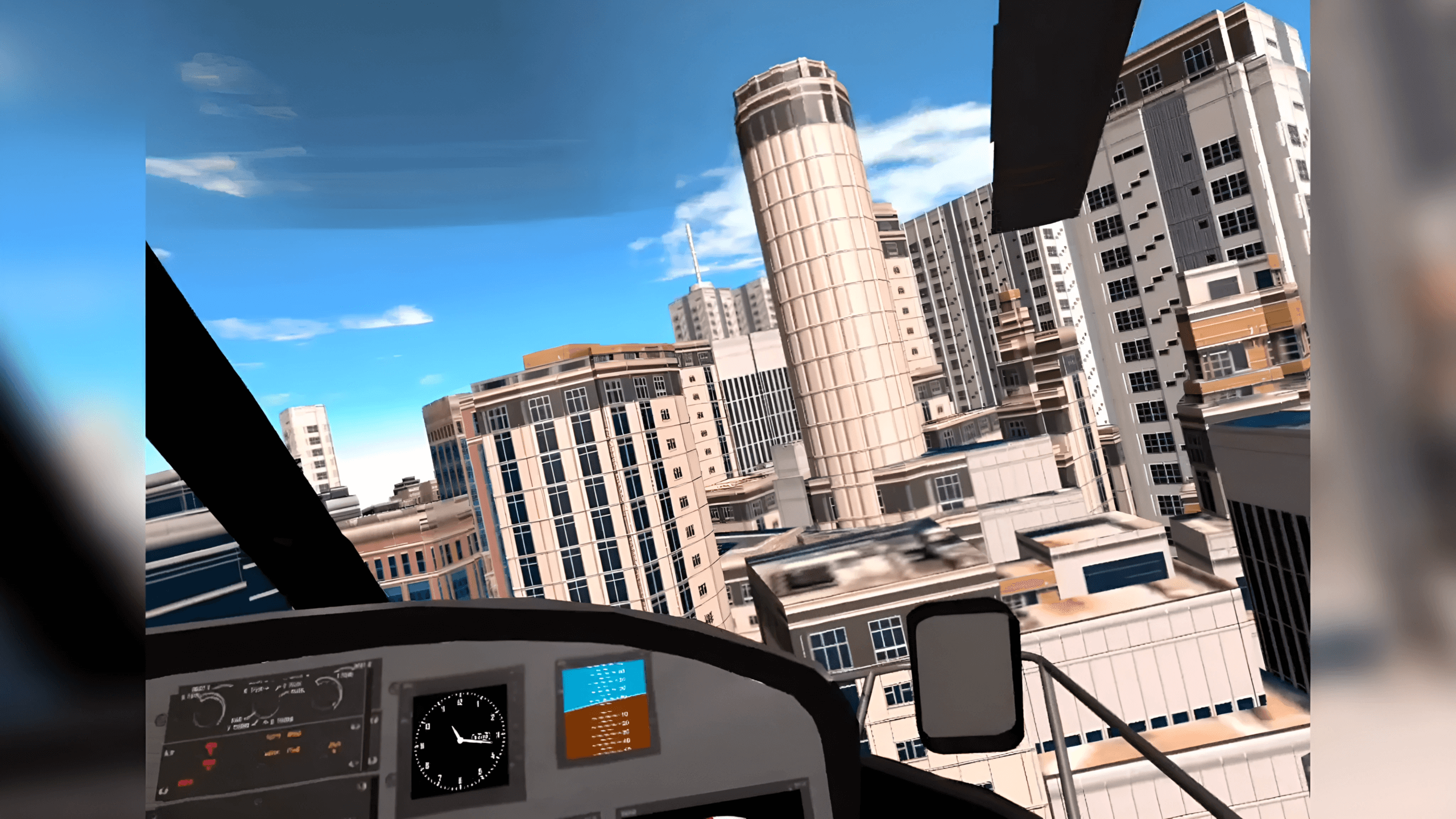
- Procedurally generated buildings and water with real data
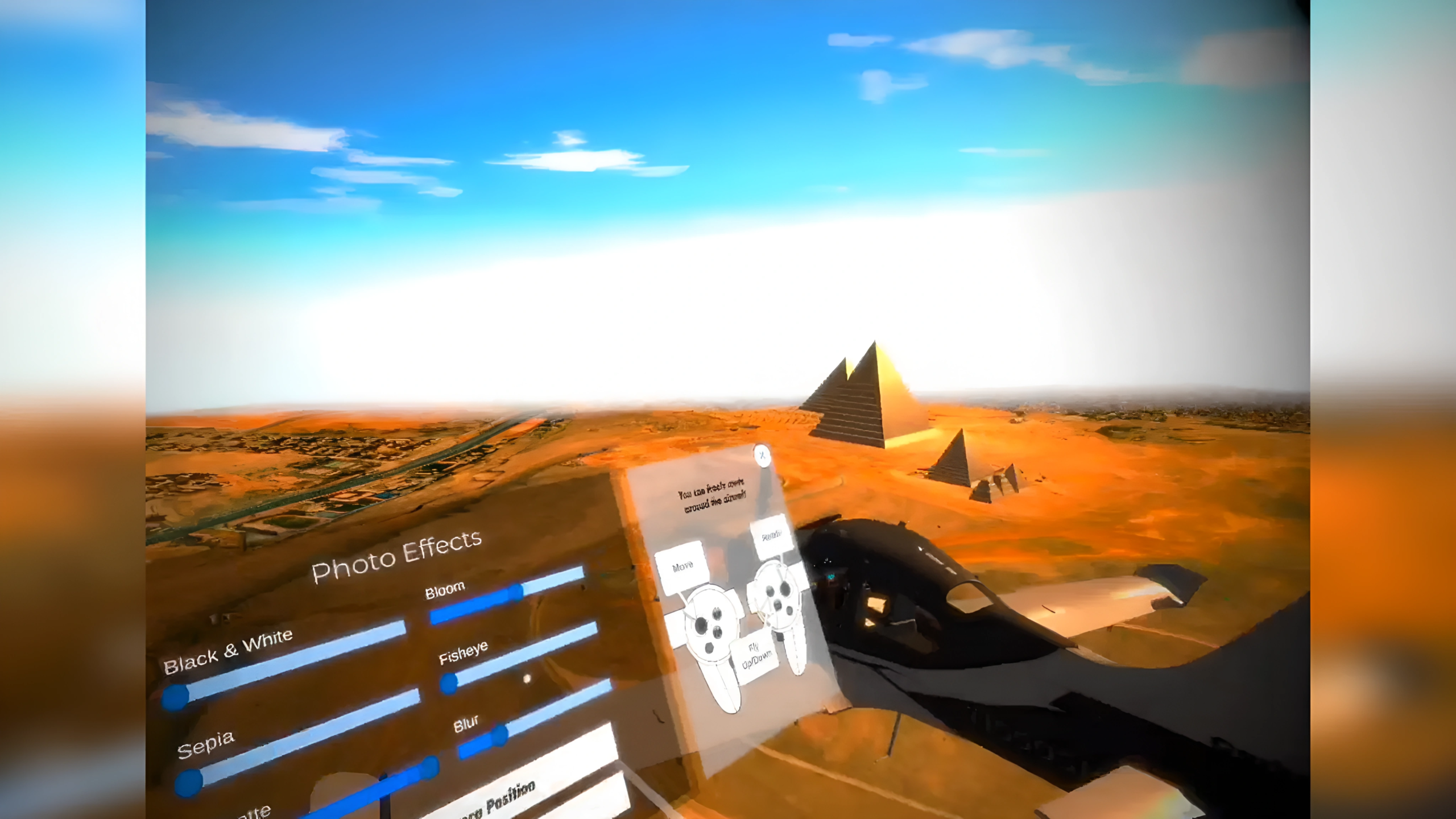
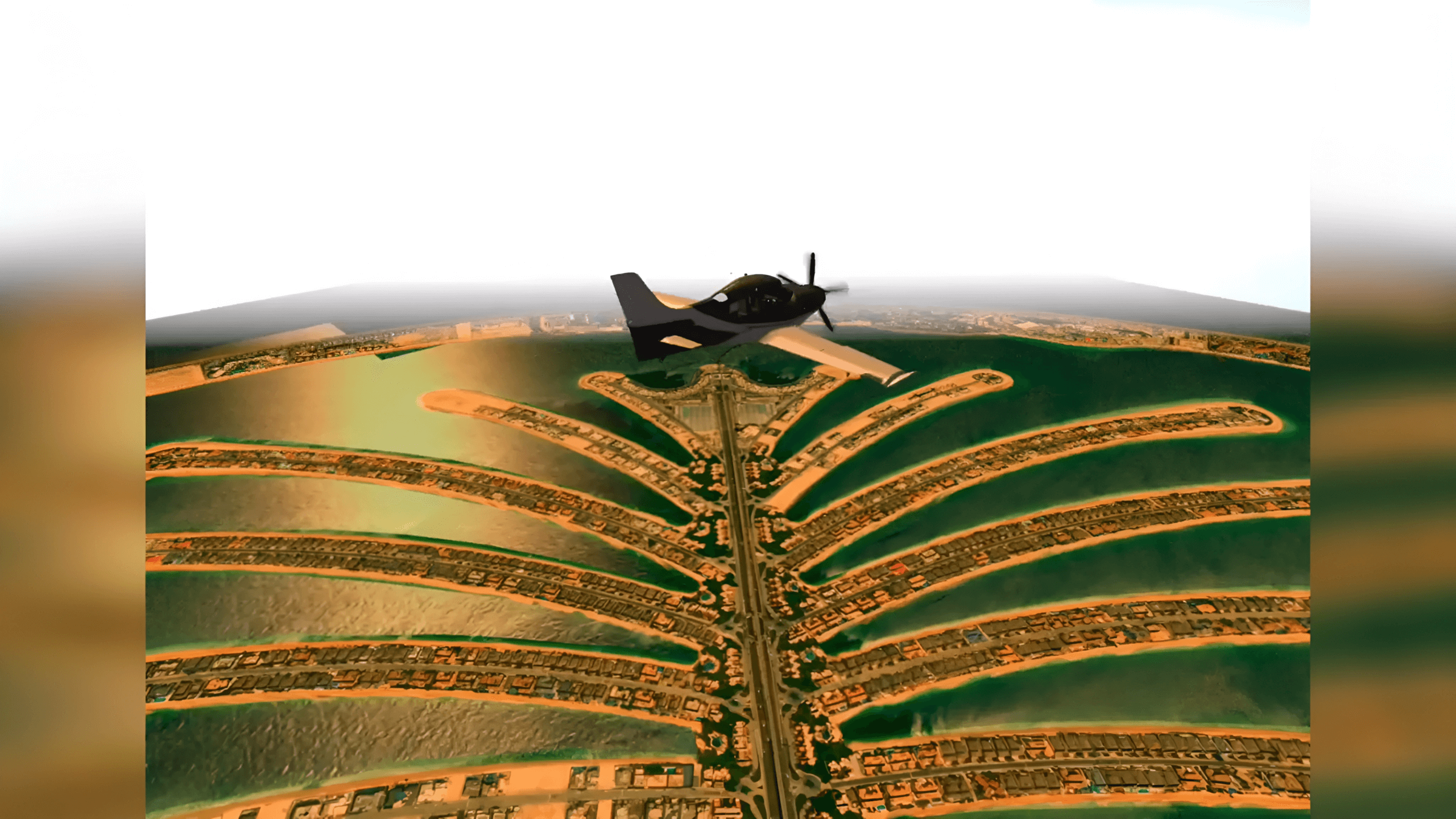
- Enjoy some of the most famous landmarks
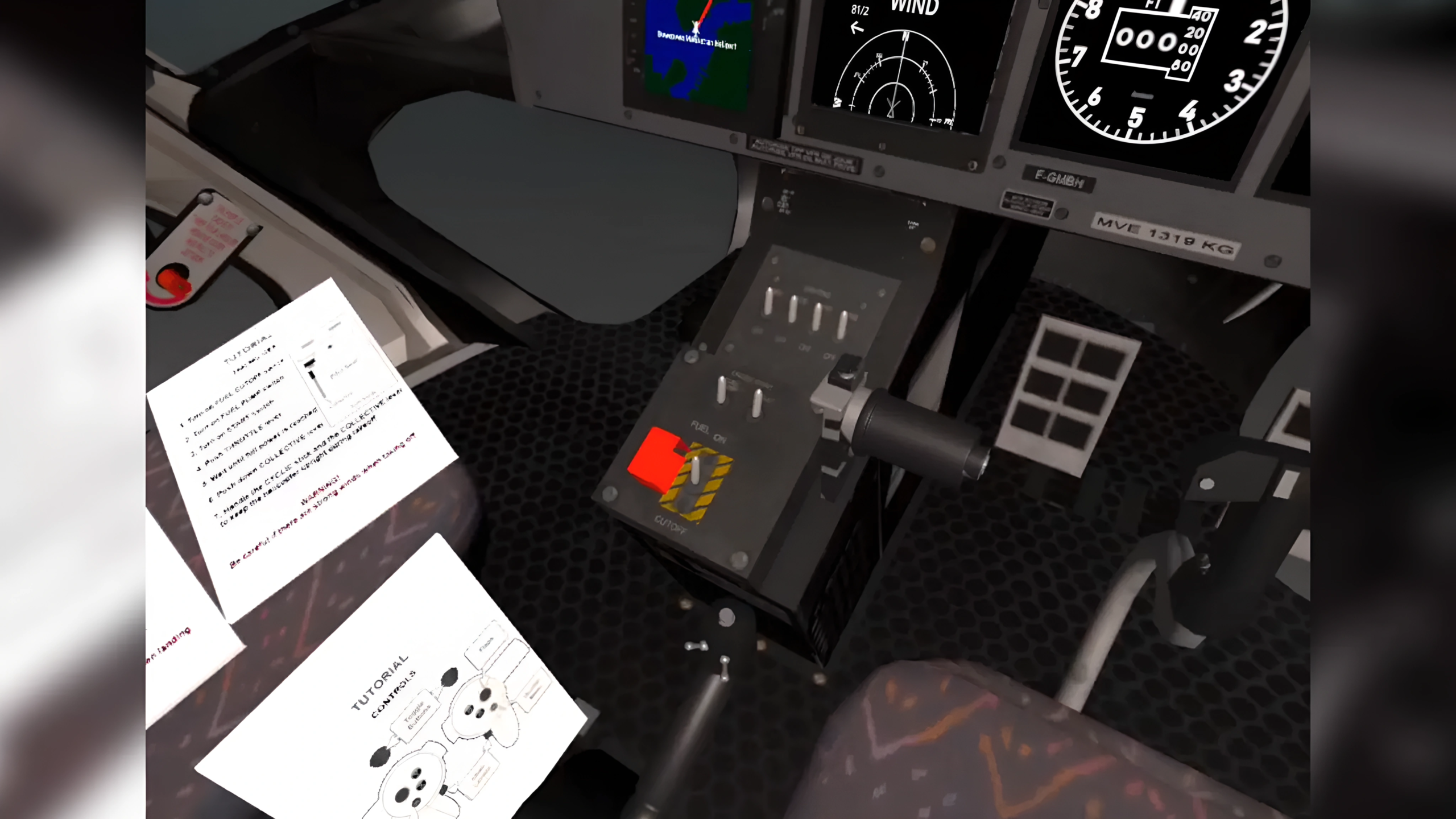
- Fully interactive cockpits
- Manage fuel, wind, flaps, landing gear and brakes
- Take off and land at any airport/heliport in the world
Development log


Comments
Log in with itch.io to leave a comment.
Running this on a Quest 3, or rather trying to. At the default settings (which I can't find a way to change) everything is way too close to me - in the home screen I have to reach way back to access helicopter, for instance, and if I start a flight I can't access the control stick as I would have to reach inside my gut (and I'm not fat or anything!). I've tried resetting the view, but it doesn't help. How do I back everything off to make this useable?
Hi,
Thank you so much for playing World Flight. Maybe you could fix your issue with this advices:
Make sure you are in the center of your play area and reset your headset’s position by holding down the Oculus/Meta button on your right controller.
Regards.
Thanks - I figured out that this works well if you are standing up, but the problem is have is if I start the game while sitting. Maybe if there was a seated mode, where you could slide everything back a bit? Thanks!